If you have just had your solar system switched on, congratulations: you have taken a big step. Overnight you enter a new world — that of producing your own energy, watching the bill come down and contributing to a cleaner model — and it is perfectly normal for the inverter app to feel a little overwhelming at first.
Numbers going up and down, arrows towards the grid, the battery, the house… and then a very human doubt:
“I'm generating about 5.5 kW, the house is using around 3 kW, the battery is charging… and even so the app shows 12 W coming in from the grid. Is something set up wrong? My friend's sits at zero and mine doesn't?”
This guide is written for you, if your system has just been installed (or went in recently and you want to understand what you are looking at). No unnecessary jargon. Calmly. Because those few watts are almost never a fault: they are the normal way in which the inverter “balances” your little home power station.
The idea in one sentence
Your system never “sits still”: it is constantly balancing sun, house, battery and grid. A few watts in the app ruin neither your savings nor your green energy.
Welcome to your new “power station” at home
Before the installation, electricity was almost invisible: it arrived from the meter and that was that. Now you have parts that talk to each other:
- The panels — they capture the sun and generate current.
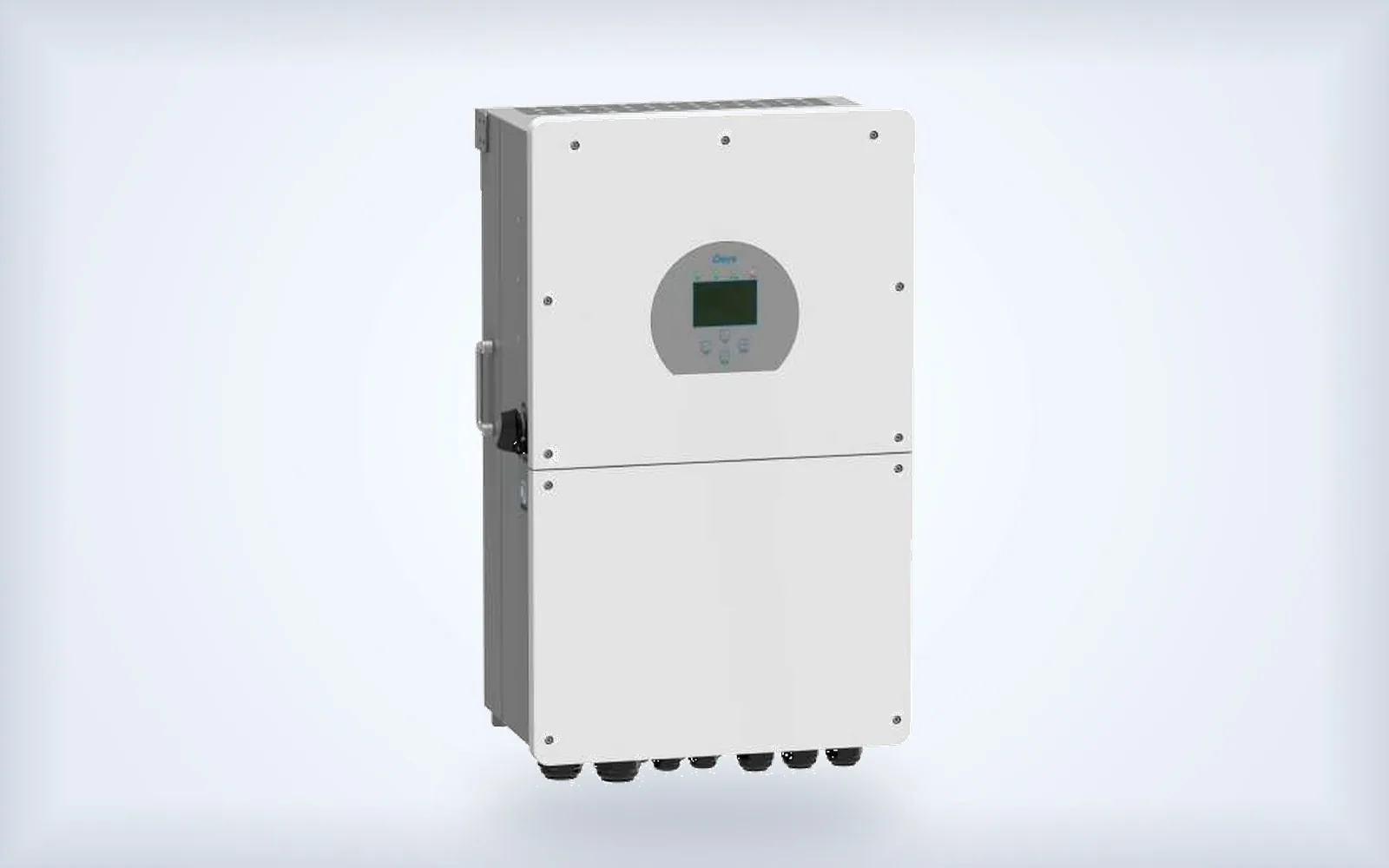
- The hybrid inverter — the “brain”: it converts, distributes and decides at every instant where the energy goes.
- The battery (if you have one) — it stores the surplus for when there is no sun or for a power cut.
- The house — fridge, air conditioning, hob, car charger… what you actually consume.
- The grid — the public backup: sometimes you import a little, sometimes you export the surplus.
That distribution is what you see in the app diagram (Solarman-Deye Cloud or a similar one). It is not a video game: it is your live energy flow (well… almost live; we will get to the trick of the 5 minutes in a moment).
A typical “everything is fine” screenshot
At midday, with sun and a battery that still has room to charge, a very common case looks like this:
| What you see in the app | Example | In plain English |
|---|---|---|
| Production | 5.42 kW | Your panels are “making” energy |
| Grid | 12 W | A tiny residual; it does not mean you “depend” on the grid |
| Battery | −2.20 kW (at 78%, for example) | It is storing the surplus (charging) |
| House consumption | ~3.15 kW | What you are using right now |
Read the picture like this: the sun feeds the house, the rest fills the battery, and those 12 W from the grid are of the order of 0.2% of what you are producing. Over an hour that would be 0.012 kWh: on the bill it is, to all practical effects, nothing. It does not undo your savings or the point of having gone solar.
Frame by frame: how your system “thinks” (step by step)
Picture the inverter as a conductor who never stops adjusting the volume of each instrument.
The inverter is not losing track: it is regulating
A hybrid does not open and close the grid like a simple relay. It endlessly compares production, consumption, battery and set points (for example no export, or export the surplus) and shifts power on a millisecond scale.
That control cannot be mathematically perfect at 0.000 W. When the system sits at the neutral point — barely buying from or selling to the grid — the residual of a few watts becomes visible on screen. It is the equivalent of a thermostat that “hunts” a little around the ideal temperature: it is not broken; it is working.
And that is the good news for anyone who has just entered the world of self-consumption: the kit is alive and doing its job to maximise how much of the sun and of your battery you use.
In summer the residual at the neutral point can rise a little
There is a useful bit of physics for the hot months. In the copper and aluminium of cables and windings, the hotter the metal, the higher its electrical resistance. At the same current, that means slightly higher losses from the Joule effect: a little more energy is dissipated as heat in the wiring and in the kit itself.
That is why in summer — with the inverter and the cabling warmer from the ambient temperature and from working in full sun — the residual draw at the neutral point you see in the app (those few watts from the grid) can sit a little higher than in winter, without that meaning a fault. It is still typically in the range of a few tens of watts at most, not hundreds. The kit has not “gone out of tune”: it is regulating in a hotter environment.
When the battery fills up and you export a lot, the “noise” almost disappears
Another moment that confuses people at the start: one day the app worries you with +12 W; the next, with the battery at 100% and plenty of sun, you only see kilowatts flowing out to the grid and “it all looks clean”. Both can be perfectly normal.
Why is it less visible?
- At the neutral point (~0 W on the grid), +12 W is all you can see → it looks important.
- Under heavy export (say −3,500 W), ±12 W barely moves the figure you are shown rounded to kW.
An analogy: on a set of scales reading zero grams, a grain of rice shows. With 3.5 kg of fruit on them, the grain is still there, but you no longer look at it. That is why, when the battery fills and you start exporting, many customers feel that “now it is running clean”: it is not that the inverter has changed personality; it is that the residual has been diluted into the export.
| Situation (very common in the first month) | What you see under “Grid” | Should I worry about ±10–25 W? |
|---|---|---|
| Sun + battery charging, barely any export | ~0 W, sometimes +12 W | No — that is the neutral point with a visible residual |
| Battery at 100% and a large surplus | several kW of export | No — the noise is diluted into the export |
| Night, battery feeding the house | ~0 or a little import depending on set points | Normal if the residual is small |
“My friend's sits at zero and mine doesn't”
Comparing screenshots with neighbours and friends is the national sport of your first solar month. Almost always it comes down to:
- A different second in the sampling (0 W in their photo, 12 W in yours).
- A different brand, firmware or app (different rounding).
- Single-phase vs three-phase (on three-phase the residual looks more “twitchy”).
- They are already exporting several kW and their noise is diluted; you are at the neutral point charging the battery.
- The app snapshot runs behind (those ~5 minutes of Solarman-Deye Cloud).
An exact, permanent zero in the app, at the neutral point, is unusual. What is healthy is around zero while the system regulates. Your savings and your clean energy are not measured in that 12 W digit: they are measured in the kilowatt-hours of the day, of the month and of the bill.
If your home is three-phase, the dance is a little more noticeable
On single-phase the picture usually looks a little cleaner. The principle is the same: continuous balancing, small residual.
Solarman-Deye Cloud: useful, but it is not an oscilloscope
Solarman-Deye Cloud (and similar portals) updates in the cloud roughly every 5 minutes. Even if you pull to refresh on your phone, you are not seeing the exact instant: you are seeing the last packet that reached the server.
That is why a screenshot at 12:48 may not be what was happening at 12:48:30, why the numbers “jump” between captures and why it is easy to be alarmed by a single photo. For fine diagnosis, the reference is the inverter display at home: there it really is real time, and you will see the dance of a few watts around zero… or the steady export in kW once the battery will take no more.
Use them like this, as someone who has just landed in the solar world:
- App → “How is my day / my month going? Am I saving and producing?”
- Inverter display → “What is happening right now?”
- Bill → “How much am I really no longer spending?”
While the battery has room, the surplus stays at home
Another typical reading in the first few days: “If I generate more than I consume, the grid should be at zero or negative”.
Not always. While the battery can charge, the surplus is used first to fill it — it is your store of green energy. Only when nothing more fits (or charging is limited) does the large grid flow, where permitted, become export.
If you see −2.2 kW on the battery (charging) and 12 W on the grid, the message is reassuring: you are storing the sun at home, not “buying” from the utility to any meaningful degree. Those 12 W are control residual, not grid dependence.
When it is worth reporting (and when it is not)
Normal (breathe): 5, 7, 15, 20 or even a few watts more in summer because of the heat; small jumps in the app every few minutes; clean export in kW with a full battery.
Worth checking:
- High, continuous import at midday with sun and battery capacity available.
- A battery that does not charge with a clear surplus from the panels and the state of charge below maximum.
- App consumption figures that are grossly out of line with what you have switched on.
- Alarms, frequent disconnections or modes other than those agreed at installation.
A useful beginner's tip: the inverter display first, then the app screenshot. That way you do not mix up cloud lag with a real problem.
A bonus for the first month: the battery and “not going down to 0%”
Many people with a new battery ask whether it is set up not to empty completely. It is good practice to leave a minimum state of charge in reserve (often around 10–20%):
- to look after the service life of the battery, and
- to keep a backup cushion in case of a power cut.
That is independent of the 12 W from the grid: it is a reserve setting, not the midday power balance. If you want to know the exact minimum for your kit, it is checked on the inverter or with technical support.
To take home (and to the app)
| Idea | What to remember |
|---|---|
| You have entered a new world | You produce, store and manage energy: having doubts at the start is normal |
| The hybrid balances non-stop | Sun + house + battery + grid in a control loop |
| A few watts from the grid | Normal residual at the neutral point; they do not cancel out your savings |
| Summer / heat | The residual at the neutral point can rise a little (higher copper resistance) |
| Full battery + heavy export | The noise is diluted into the kW flowing to the grid |
| Three-phase | Twitchier at the neutral point; still normal |
| Solarman-Deye Cloud | About every 5 minutes (even if you force a refresh) |
| Inverter display | There it really is real time |
A closing word for the first month
If you see 10, 12 or 25 W from the grid with sun and the battery charging, breathe: your system is learning to live with you and you with it. The sun keeps coming in, the battery fills up and the savings build day by day — they are not measured in that screenshot of a few watts.
For the real balancing dance, look at the inverter display. For the day to day and the pride of watching your green kWh add up, use the app knowing that it runs minutes behind. And if something genuinely does not add up (high, sustained imports, alarms, a battery that will not charge), we are here to help: that is why the installation does not end on fitting day.